Overview
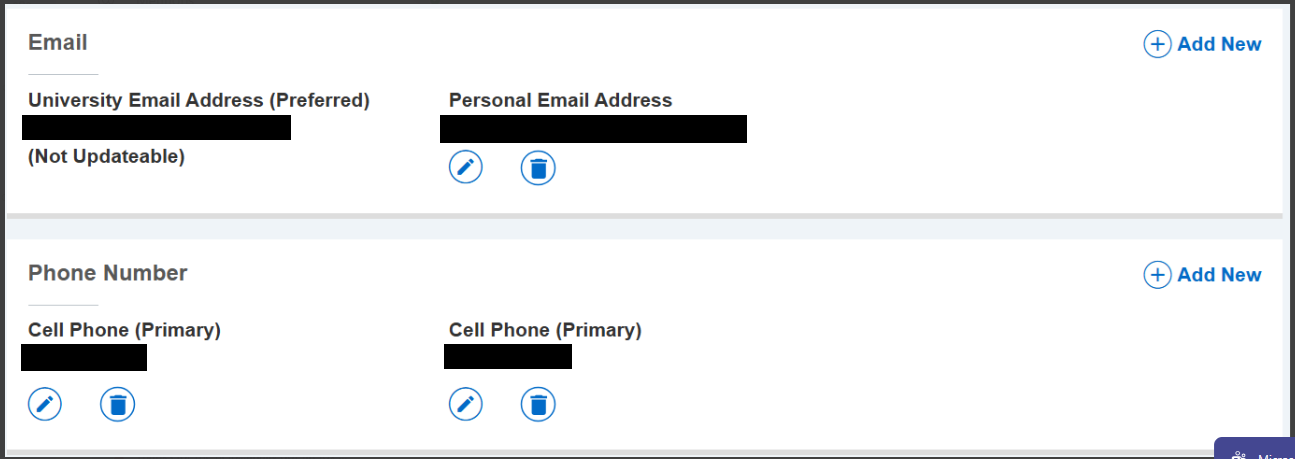
Students may wish to add or update their personal email address in MyKU.
Note: You may only add one personal email to MyKU.
Instructions
To add or change a personal email address to your MyKU Account:
- Navigate to newmyku.kutztown.edu
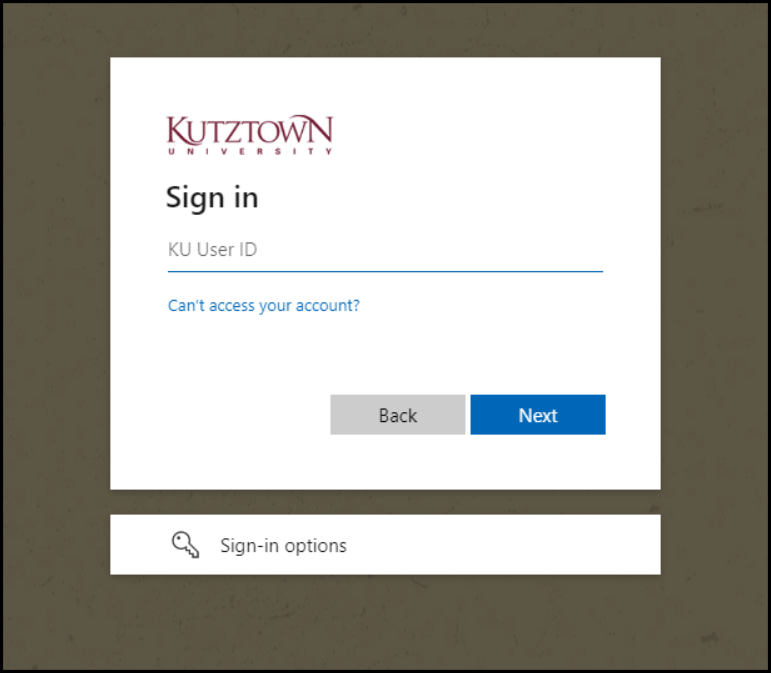
- Log in
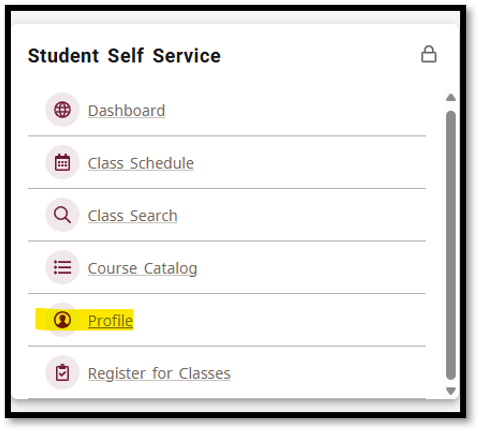
- Click on Profile on the Student Self Service tile
- Click on Person Information from the list
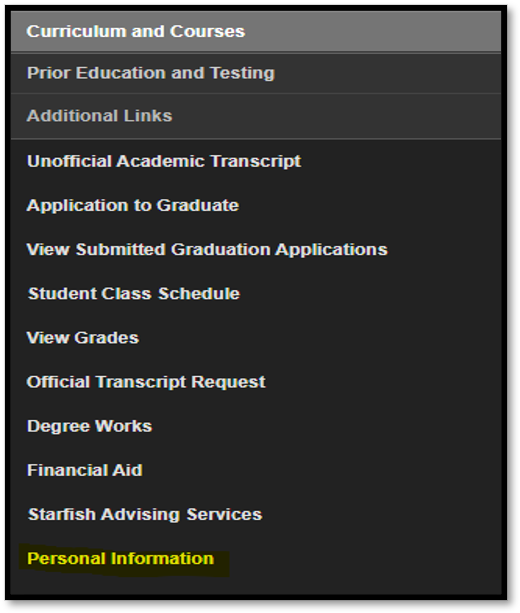
- Click on the Personal Information box

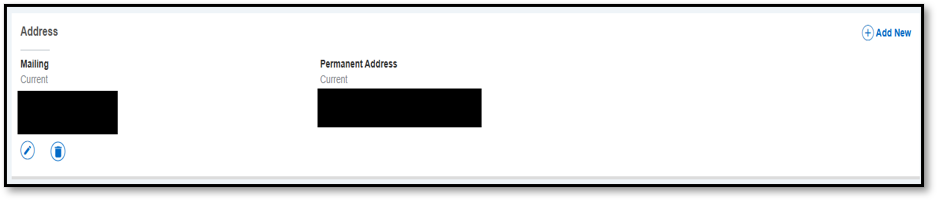
- Click on the blue pencil in the circle to add/update your personal email, phone number, or mailing address.