
Overview
Employee directory profiles will be managed via the new Directory Management Card in MyKU. Information from the old directory management in MyKU Legacy has been imported to this new card.
Card Details
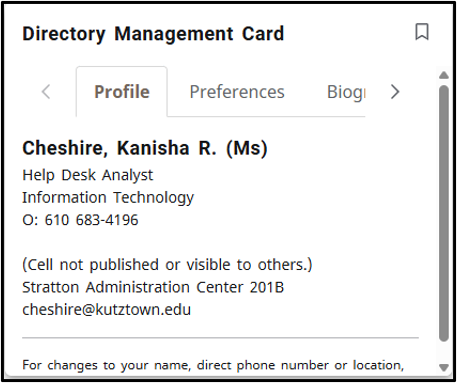
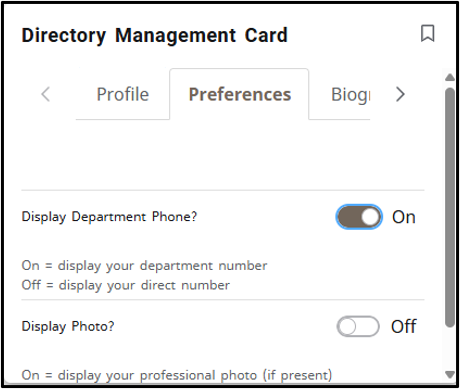
The Directory Management Card allows you to view and personalize your profile, update your phone and photo preferences, add biographical information, areas of expertise/research topics and even link your website and social media accounts.
Getting Started
To get started, simply go to My Account in MyKU, locate the Directory Management Card. If your room/phone number is wrong, please contact the IT Help Center. If your name or title is wrong, please reach out to HR.
A future upgrade will include the creation of a database to connect students with faculty research mentors based on the expertise/research topics entered. The card is tailored to display your own information, ensuring privacy. Only you can see the details you provide.