
Faculty, staff, and students and students at Kutztown University have a variety of convenient print solutions available to them. This article will cover using Email to Print and WebPrint. For other solutions, see Print Release Stations & QR Codes (Students) and Introduction to Secure Print (Fraser Copiers).
Email to Print
Email to Print provides faculty, staff, and students with a simple way to send documents to a print queue by emailing their documents to a special address. No additional software is required. To print:
- Open your Kutztown email and compose a message to one of the following addresses:
- print@kutztown.edu for students printing in black and white.
- secureprintbw@kutztown.edu for staff and faculty printing in black and white.
- secureprintcolor@kutztown.edu for staff and faculty printing in color.
- Attach the file you would like to print. You can do so by dragging the file manually into the text box of the email or by selecting the attach function.
- Send the email.
- Locate the print station that you want it to print to and follow the instructions on the print release station.
Web Print
Web Print provides faculty, staff, and students with a web interface to send documents to the student or employee print queues. WebPrint also displays statistics about a user's printing history, including recently released and pending print jobs.
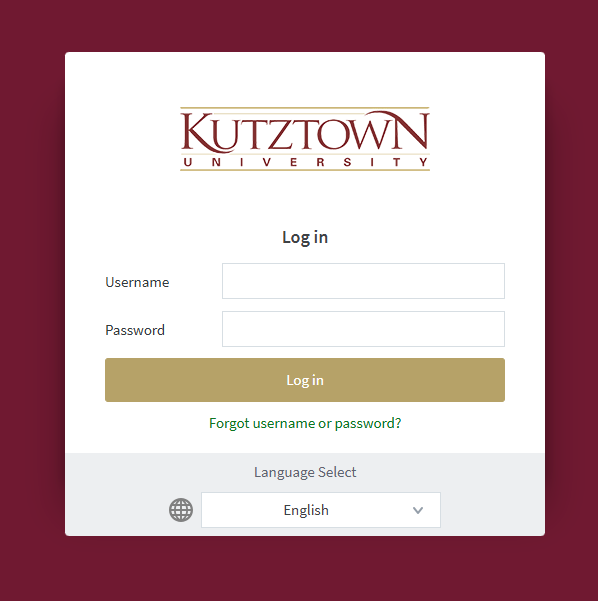
First, log in with your Kutztown University username and password.
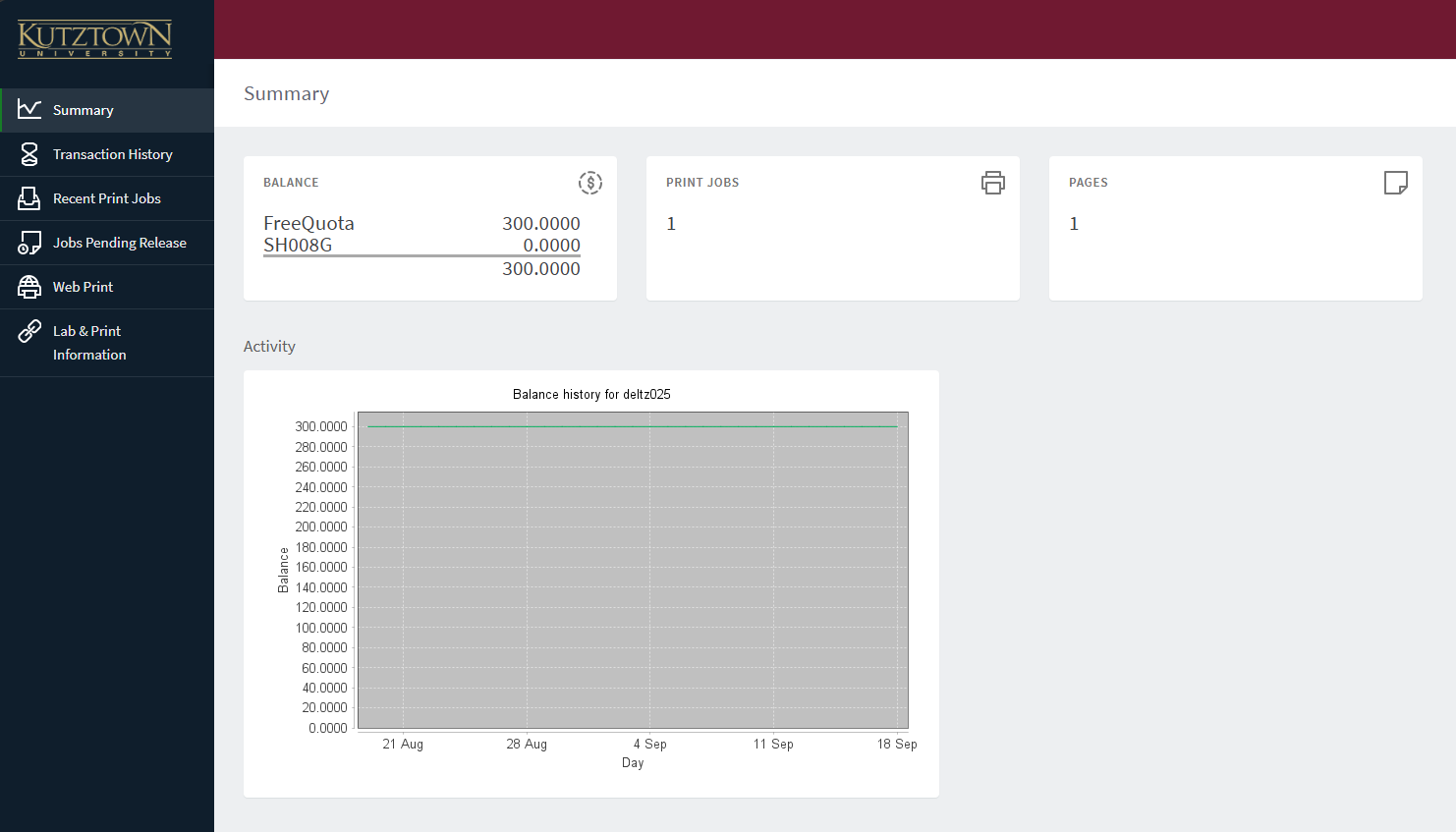
A visual overview of your printing history will be displayed.
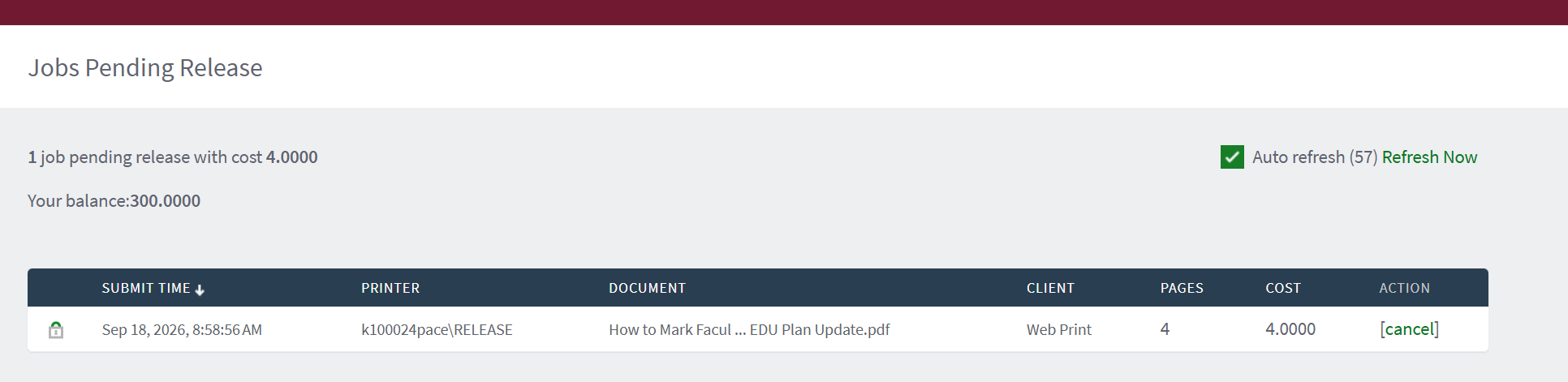
Click on Recent Print Jobs to view completed print jobs. Click on Jobs Pending Release to view and cancel unprinted jobs.
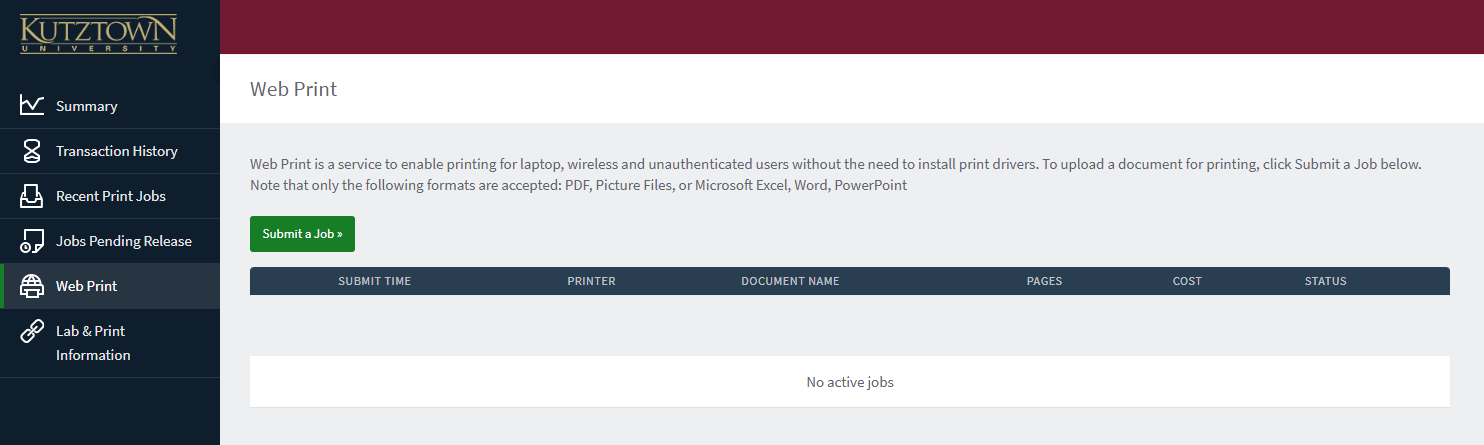
Printing with Web Print
Use Web Print on the left sidebar to submit a document to the print queue.
- Click on Submit a Job.
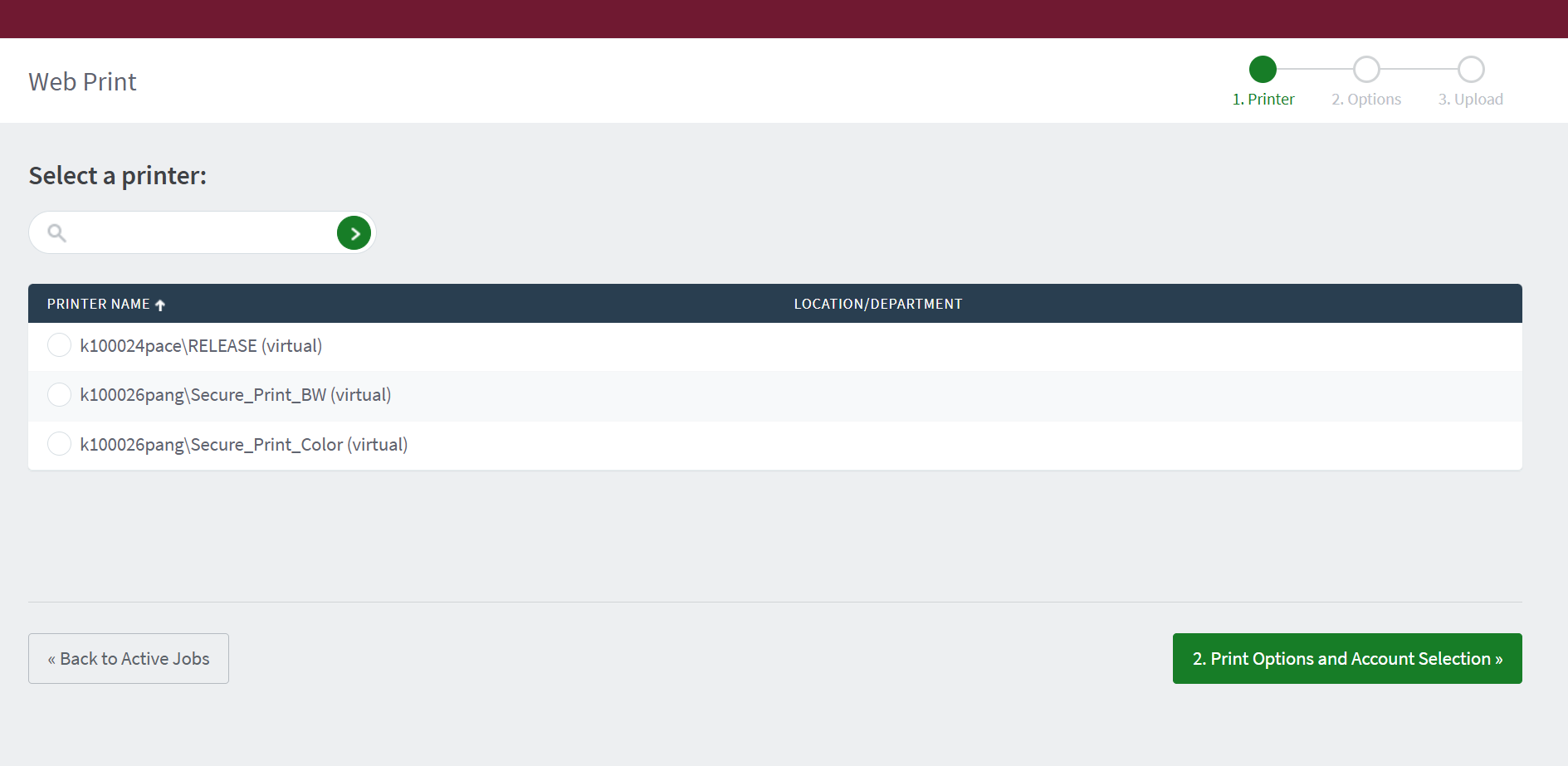
- Select a Print Queue.
- Students should use Release. Faculty and Staff may use Secure_Print_BW and Secure_Print_Color.
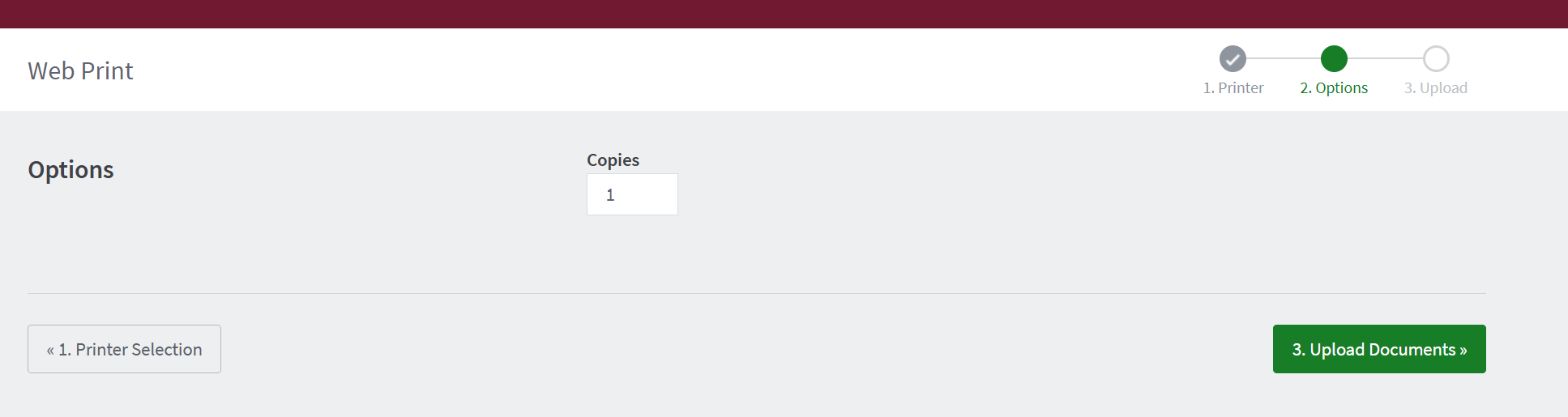
- Select the number of copies desired.
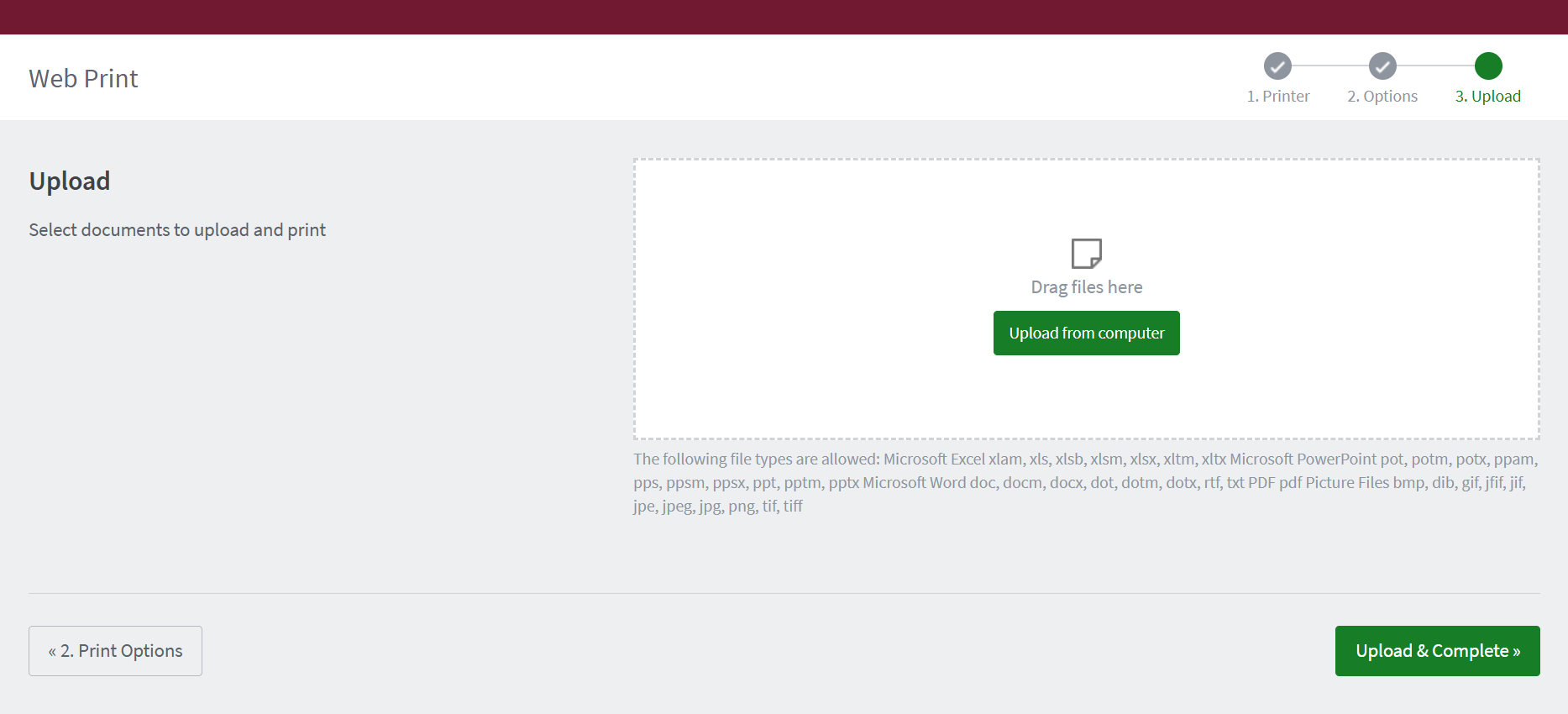
- Upload your documents and click Upload & Complete to submit the print job to the queue.
- Locate an appropriate print release station, scan the QR code or tap your ID card, and release the print job.
Print Release Stations
Print Release stations for students are located at the following locations:
- BK 120
- MSU 294
- RL Ground Floor Room 001
- RL Main Floor (Two Stations available)
- RL Second Floor Room 204
- OM 006 (24/7 Lab)