
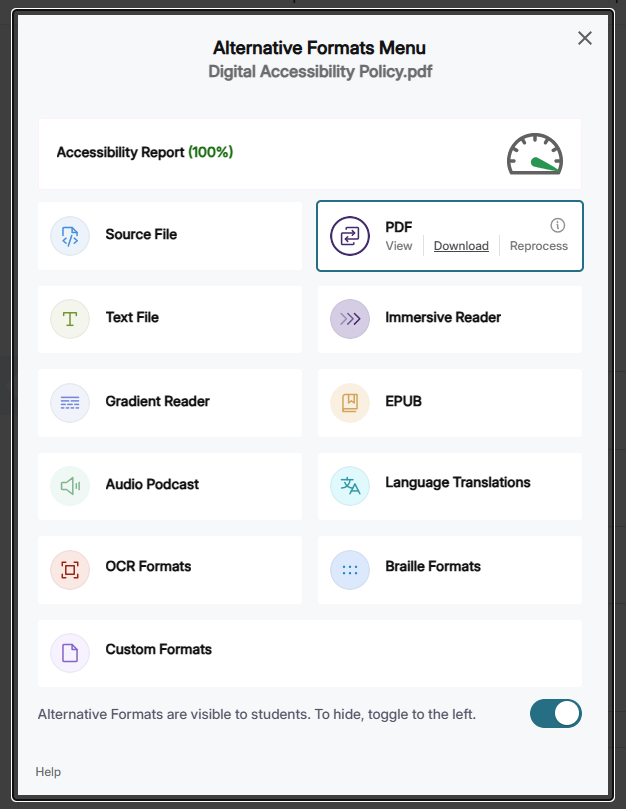
After remediating documents with Panorama, faculty may wish to attach these documents in other courses or share them outside of D2L. To do so, click on the accessibility score icon to open the Alternative Formats menu, select the desired format, and click Download.
Note that remediated files are not stored as course files in your course shell – they are only accessible via Panorama unless uploaded explicitly to D2L.